How to Manage Your GPU Cluster
 Eli Mernit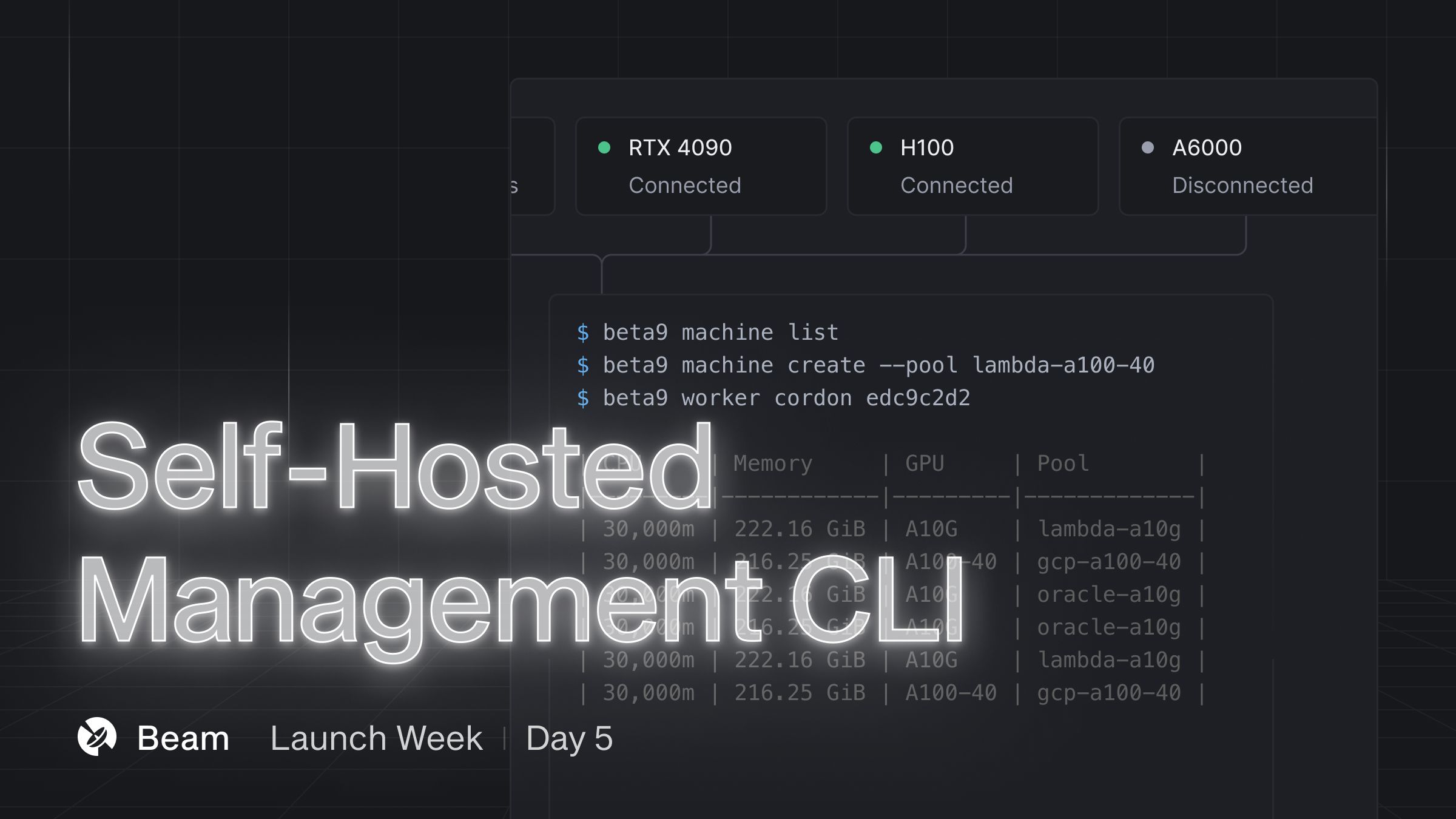
This is the final feature in our first launch week, where we ship a brand new feature every day, five days in a row.
If you're self-hosting Beam, you'll need a CLI to manage the machines in your cluster. Today, we're shipping an upgraded suite of management commands for self-hosted users to easily manage machines and workers.
What Can You Do With It?
For context, Beta9 is the open-source project that powers Beam. You can self-host Beam and run your workloads on arbitrary hardware.
Connect Machines to Beam
You can connect arbitrary hardware to Beam using the machine create command. This command will print a cURL command, which you'll run on the node in order to connect the machine to the control plane running Beam.
Cordon and Drain Workers
If you've used Kubernetes before, you're already familiar with the concept of cordon and drain. If you aren't, we'll give a quick refresher:
Cordon: This marks a node as unschedulable so that no new workloads are assigned to it. Typically, you'll cordon a node when it's experiencing issues or requires maintenance.
Drain: This gracefully evicts all existing workloads from the node, usually to prepare it for maintenance or upgrades.
We've added cordon and drain commands in the beta9 CLI, giving you more control over your workers:
List Workers
Here's the command to list all the workers connected to your Beam or Beta9 cluster:
What's Next
As a next step, check out the Beta9 repo. You can self-host Beta9 and connect it to your own hardware.
If you have any feedback on the workflow or feature requests, we’d love to hear from you in our Slack Community.
This is Launch 5/5 for this week! You can follow along with our upcoming launches on Twitter.